
OPD token system for hospitals: a complete guide to moving from queues to booked slots
Crowded OPD counters frustrate patients and exhaust staff. A booked token and a live queue change the day for both. Here is how an OPD token system works and how to introduce one.
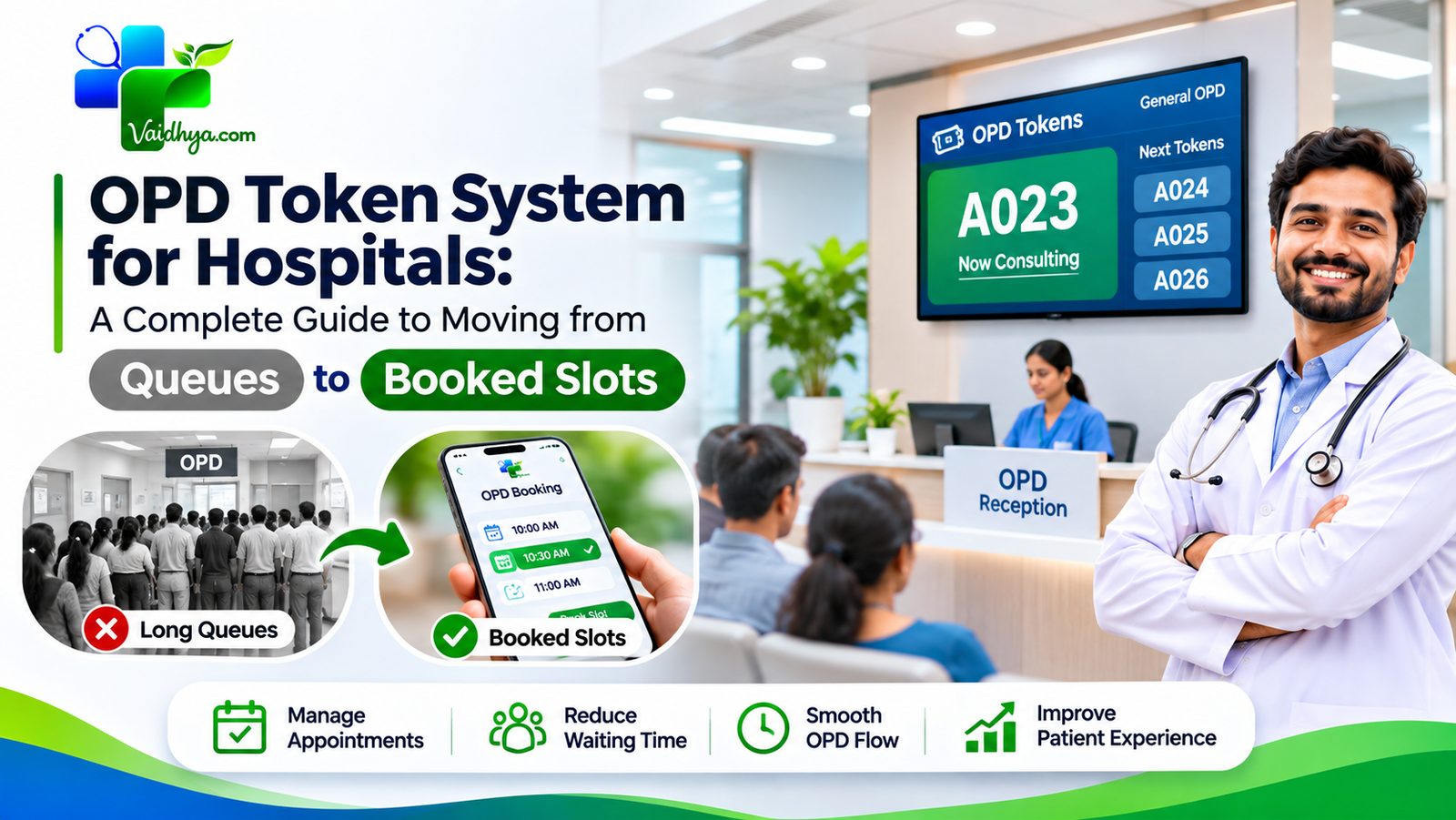
An OPD token system lets patients book a visit with a doctor in advance and receive a token number, while the hospital manages the day through a live queue. Instead of arriving early and waiting in a corridor, the patient comes when their turn is near. Instead of guessing how busy the day will be, the hospital sees every booking before the first patient walks in.
This guide explains what an OPD token system is, what problems it solves, which parts of the hospital it touches, and how to introduce one in a way that staff and patients accept. It is written for hospital administrators, medical superintendents, OPD in-charges and the front-desk teams who will use it every day. Where it is useful, it describes how the tools in Vaidhya for hospitals handle each step.
Why OPD is the hardest part of a hospital day
The outpatient department is where most patients meet a hospital. It is also where most complaints begin. Several things make OPD hard to run:
- Demand is uneven. Mornings are crowded, afternoons are quiet, and some doctors are always in demand while others are not.
- Patients arrive early. Fear of missing a turn makes everyone come at the same time, so the waiting area fills long before consultations begin.
- Information is scarce. Nobody can answer "how long will it take?" because nobody can see the whole queue.
- Walk-ins and emergencies interrupt. They are unavoidable and legitimate, but they disturb any fixed order.
- Staff are interrupted constantly. The front desk answers the same questions: "Is the doctor in?", "What is my number?", "How much longer?"
A token system does not remove demand. It spreads it out, makes the queue visible, and moves routine questions from the counter to the patient's phone.
What an OPD token actually is
A token is a booked place in a doctor's session for a given day. It has a number, a doctor, a department and a date. In a manual system, a token is a paper slip handed out at registration. In a digital system, it is created when the patient books and appears on their phone.
There are three common ways to issue tokens:
| Method | How it works | Best for |
|---|---|---|
| Walk-in tokens | Issued at the counter on arrival | Small hospitals, emergencies, patients without smartphones |
| Advance booking | The patient books a day and doctor before arriving | Planned follow-ups, specialist consultations |
| Time-slot booking | The patient chooses a specific time window | Busy specialists, shorter visits |
Most hospitals end up with a mix. A good system supports advance bookings and walk-ins in the same queue, so staff do not run two systems side by side.
What changes for the patient
For patients the benefits are simple, and they are the reason to do this.
- No early arrival. The patient books a visit with a doctor and sees their token number.
- A visible place in line. They can see how many people are ahead and arrive when their turn is near.
- Less time in crowded waiting rooms, which matters for elderly patients, children and anyone who is unwell.
- A record of every visit. Upcoming and past appointments are in one place, with the hospital, doctor and date.
- Booking at any hour. A patient can book at night for the next day without calling.
On Vaidhya, patients choose a hospital, pick a doctor and a day, enter who the visit is for (themselves or a family member) and an optional reason, and confirm. The OPD fee is shown upfront, and the hospital can choose to collect it at the counter. The patient then sees their token and status under their appointments.
What changes for the hospital
For the hospital, a token system makes the day predictable.
You see the day before it starts
Bookings by doctor and department are visible in advance. A department with more bookings than usual can be warned, and a doctor with few bookings can be offered more walk-ins.
A live queue replaces the shouting
Staff mark each patient as they move through the visit. A typical status flow is: booked, checked in, called in, done, with no-show and cancelled as exits. Seeing waiting, with-doctor, done and missed counts at a glance tells the OPD in-charge how the day is going.
Fewer calls and less crowding
When patients can see their own status, the front desk answers fewer "how long?" questions, and the waiting area is calmer.
Better data
Every booked visit is recorded. Over weeks you learn which doctors are busiest, which days run long, how many patients do not turn up, and where more capacity is needed.
Setting up doctors, departments and branches
A token system is only as good as the information behind it. Before you go live, build your doctors roster.
Departments first
Group doctors by department (for example Cardiology, Paediatrics, Orthopaedics, Dermatology). Patients think in departments before they think in doctors, and so does your billing: on Vaidhya a hospital pays per branch and per department, never per doctor.
For each doctor, record
- Name, qualifications and speciality
- Days and timings of OPD sessions
- OPD fee for that doctor
- Daily capacity, if you want to cap the number of tokens per session
Multiple branches
If you run more than one location, each branch should have its own doctors and its own queue, while the management sees everything under one account. This avoids the common problem of a patient booking at the wrong branch because the system showed them a combined list.
Keep it current
A roster that is out of date is worse than none. Make one person responsible for updating timings when a doctor goes on leave or changes sessions.
Running the live queue day to day
Once tokens are booked, the front desk has a short, repeatable routine.
- Check in each patient when they arrive. This confirms they are present and moves them into the waiting list.
- Call in the next patient when the doctor is ready. The patient's status changes so others can see the queue move.
- Mark done when the visit ends.
- Mark no-show if a patient does not appear after a reasonable wait, so the day keeps moving.
- Handle walk-ins by adding them to the same queue, so everyone is treated in a visible order.
The aim is a single source of truth. If some patients are on paper and some are on screen, staff will quickly stop trusting either. During rollout, pick one place for the queue and stick to it.
Emergencies stay outside the token system entirely. Any patient who needs urgent care goes straight to the emergency department, and staff should be trained to make that call without hesitation.
Rolling it out without disruption
Most failed rollouts fail because of people, not software. A calm, staged approach works better than a big launch.
- Start with one or two departments. Choose departments with high demand and willing doctors.
- Train the front desk first. They will answer most questions from patients, so they must be confident.
- Brief the doctors. Explain that tokens help them see a predictable number of patients, and that they can still see urgent cases.
- Keep walk-ins working. Never turn people away because they have no smartphone. A token issued at the counter belongs in the same queue.
- Tell patients. A poster at the entrance and a line on discharge papers and prescriptions is enough: "Book your next visit on the Vaidhya app".
- Review after two weeks. Look at no-shows, waiting times and staff feedback, then extend to more departments.
Expect a short adjustment period. It is normal for the first week to feel slower as staff learn a new routine.
Measuring whether it is working
Choose a handful of numbers and look at them weekly.
- Average waiting time from arrival to seeing the doctor.
- No-show rate: booked patients who did not come.
- Share of patients booking in advance versus walking in.
- Doctor utilisation: how full each session was.
- Front-desk calls per day asking about status.
- Patient feedback on waiting and communication.
If no-shows are high, add reminders and a simple cancellation route. We cover this in detail in how to reduce no-shows and waiting time. If one department is always overloaded, consider adding sessions or another doctor, which the roster data will support.
Common questions administrators ask
Do we have to collect payment online?
No. Many hospitals prefer to collect the OPD fee at the counter, and let the patient simply book the slot. Decide what suits your hospital's accounting and patient base.
What about patients who are not comfortable with phones?
Keep the counter. Issue tokens there and add them to the same queue. A digital system should widen access, not narrow it.
Can IPD be handled the same way?
Inpatient admissions are more complex than OPD, because they involve beds, wards and clinical decisions. IPD booking on Vaidhya is coming soon. OPD tokens, the live queue and the doctors roster are available today.
How does this compare with the booking features of other platforms?
Doctor-booking apps focus on appointments with individual doctors. Hospital-focused tools add queues, departments and branches. See our comparison of Vaidhya and Practo for a plain-language look at the differences.
A worked example: six doctors, one morning
Numbers make the idea concrete. This is a made-up example, not data from a real hospital.
Imagine a hospital with six OPD doctors across four departments. Each doctor consults from 9 am to 1 pm and sees a patient about every twelve minutes, which is roughly twenty patients per session. Without tokens, many of those 120 patients arrive between 8 and 9 am, because everyone fears being late in the line. The corridor is full by 8.30, the registration desk has a queue of its own, and the first doctor starts with twenty patients already waiting.
With booked tokens, the same 120 patients are spread across the session. Each knows their token and an approximate time. By 9 am only a handful are in the waiting area, the rest are on their way. The OPD in-charge sees the whole roster on a screen: how many are booked for each doctor, who has checked in, who has been called in, and who has not appeared.
When two patients fail to come, the in-charge marks them no-show and the doctor's next patient is called sooner. When a doctor is delayed by a complicated case, the front desk can message the waiting patients instead of fielding twenty separate questions. The total number of patients seen is the same. What changes is the experience, and the staff time spent managing it.
A go-live checklist
Before you switch on tokens for a department, check each item.
- Every doctor's days, timings and OPD fee are entered and checked by the doctor.
- Walk-in tokens can be issued at the counter and appear in the same queue.
- Front-desk staff have practised checking in, calling in, marking done and marking no-show.
- Someone is named as responsible for keeping the roster up to date.
- Patients are told how to book, through a poster, a line on prescriptions and a mention at discharge.
- The emergency pathway is clear and separate from the token queue.
- You have chosen the three or four numbers you will watch in the first month.
- Your hospital is verified, so that patients searching by category, type and sub type can find you.
If any item is missing, fix it first. A small, well-prepared launch beats a large, rushed one.
The cost of getting it wrong, and the cost of waiting
It is tempting to postpone a change like this because OPD "works" today. But the cost of the status quo is real: patients who leave because of waiting, staff who burn out, doctors whose time is wasted on gaps between patients, and a reputation that quietly suffers. A modest, well-run token system pays for itself in goodwill alone.
Hospitals joining Vaidhya also benefit from being discoverable. Patients can find hospitals by category (such as Allopathy or Ayurveda), by type (Government, Private, NGO) and by sub type, then book OPD directly. If you are weighing options, why Vaidhya sets out the whole picture, and Vaidhya for hospitals shows how registration, verification and pricing work.
Frequently asked questions
What is an OPD token?
An OPD token is a booked place in a doctor's outpatient session for a given day. It carries a number so the hospital can run the queue in order and the patient can see where they stand.
Is an OPD token system suitable for small hospitals and clinics?
Yes. Small hospitals and clinics often benefit most, because a simple queue removes crowding at the counter. Start with advance bookings and walk-in tokens in one queue.
How does a hospital pay for OPD tools on Vaidhya?
Hospitals pay per branch plus per department, never per doctor. The live prices are shown on the hospitals page.
Can patients cancel a token?
Yes. A clear cancellation route lets other patients use the slot and keeps the queue accurate.
Does the system replace the registration desk?
No. It changes the desk's work, from managing crowds and answering repeated questions to checking patients in, calling them and handling exceptions.
Bring your OPD online
Take bookings, run a live queue and manage every branch from one account.
Join as a hospitalKeep reading
Emergency readiness for families: ambulance, oxygen and blood bank basics
In an emergency there is no time to search. A little preparation, the right numbers, a simple plan and a ready bag, can save precious minutes. A practical guide for Indian families.
Practo alternatives: how to choose a doctor-booking platform in India
Patients, doctors and hospitals can choose from several healthcare apps. Here is an honest framework to compare them, what each type is good at, and where Vaidhya fits.

Healthcare jobs in India: how to build a strong profile and get hired
Nurses, technicians, pharmacists and hospital staff: how to present your skills, find the right openings, apply well and prepare for interviews in healthcare.
Ready to join Vaidhya?
Download the app and be part of the platform bringing Indian healthcare together.